Project Breakdown: The Vulture Spot at Sundance 2020
One of my final projects at New York Magazine ended up being one of the projects I’m most proud of to date. This project was one of those rare occasions where I had two weeks and full creative control, so I could really sink my teeth into it.
By this point in my tenure at NYMag, I had done a lot of smaller, quickturn projects where I could refine certain techniques individually, but this time I wanted to put together everything I had learned. The following outlines how I approached this animation.
Project Approach
Ideation
The prior year, I made another mountain/ski-themed animation for the Vulture Spot at Sundance, so I wanted to build off of that but take an entirely different angle.
Moodboard
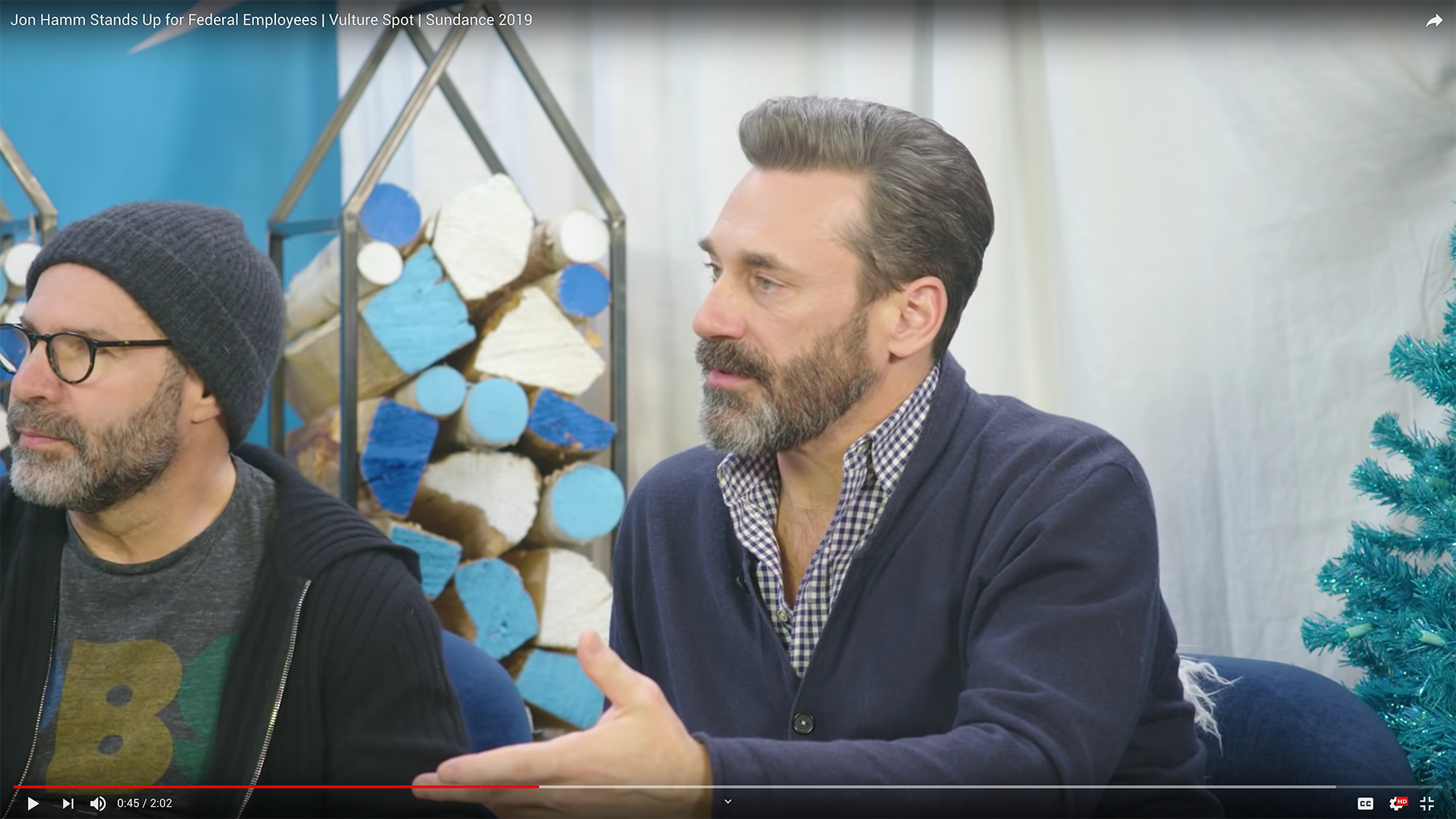
To begin, I spent some time pulling references from Pinterest to initially get the ball rolling on what I thought this spot would look like. What I landed on was a simple, flat style.


Storyboard
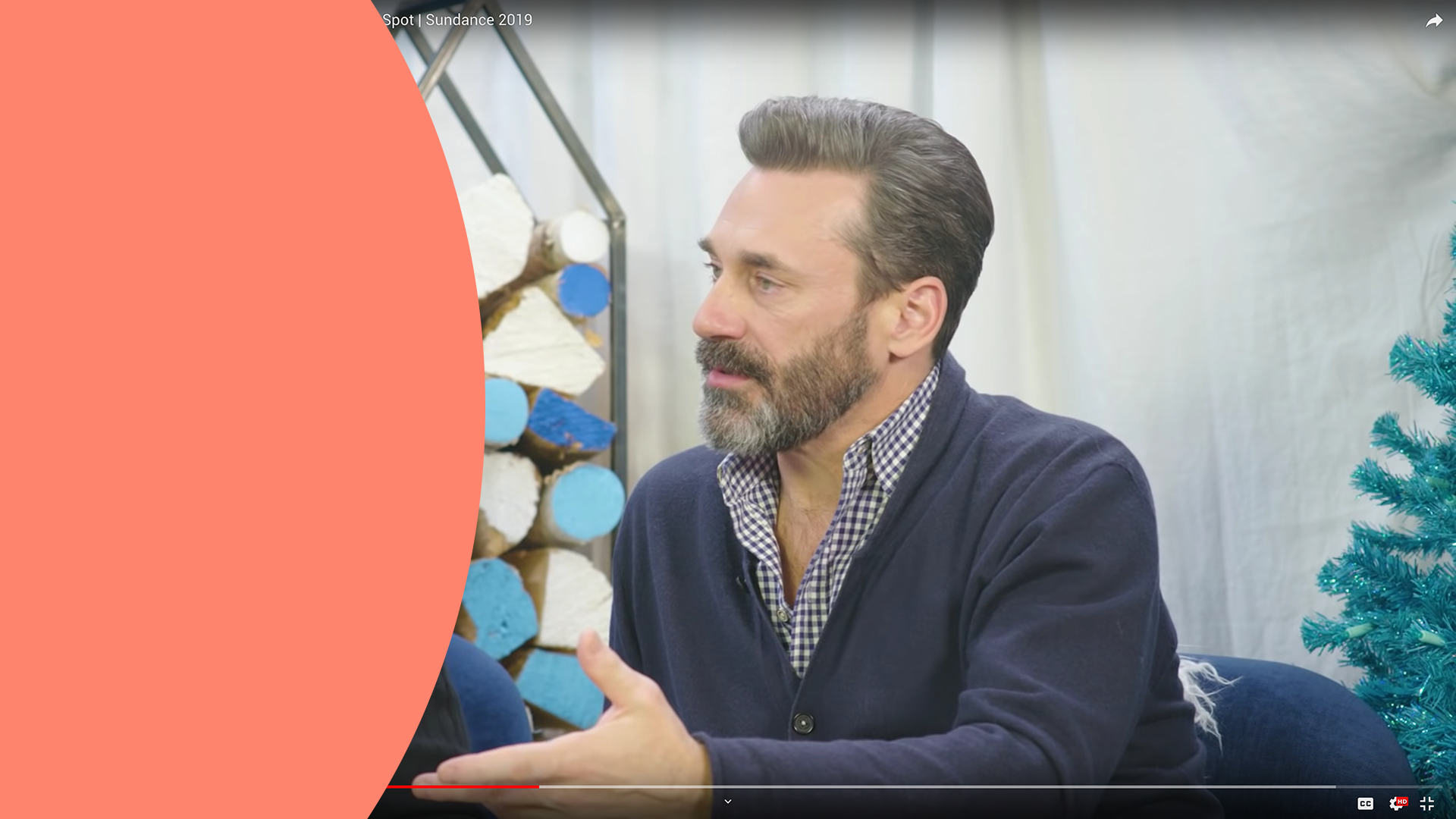
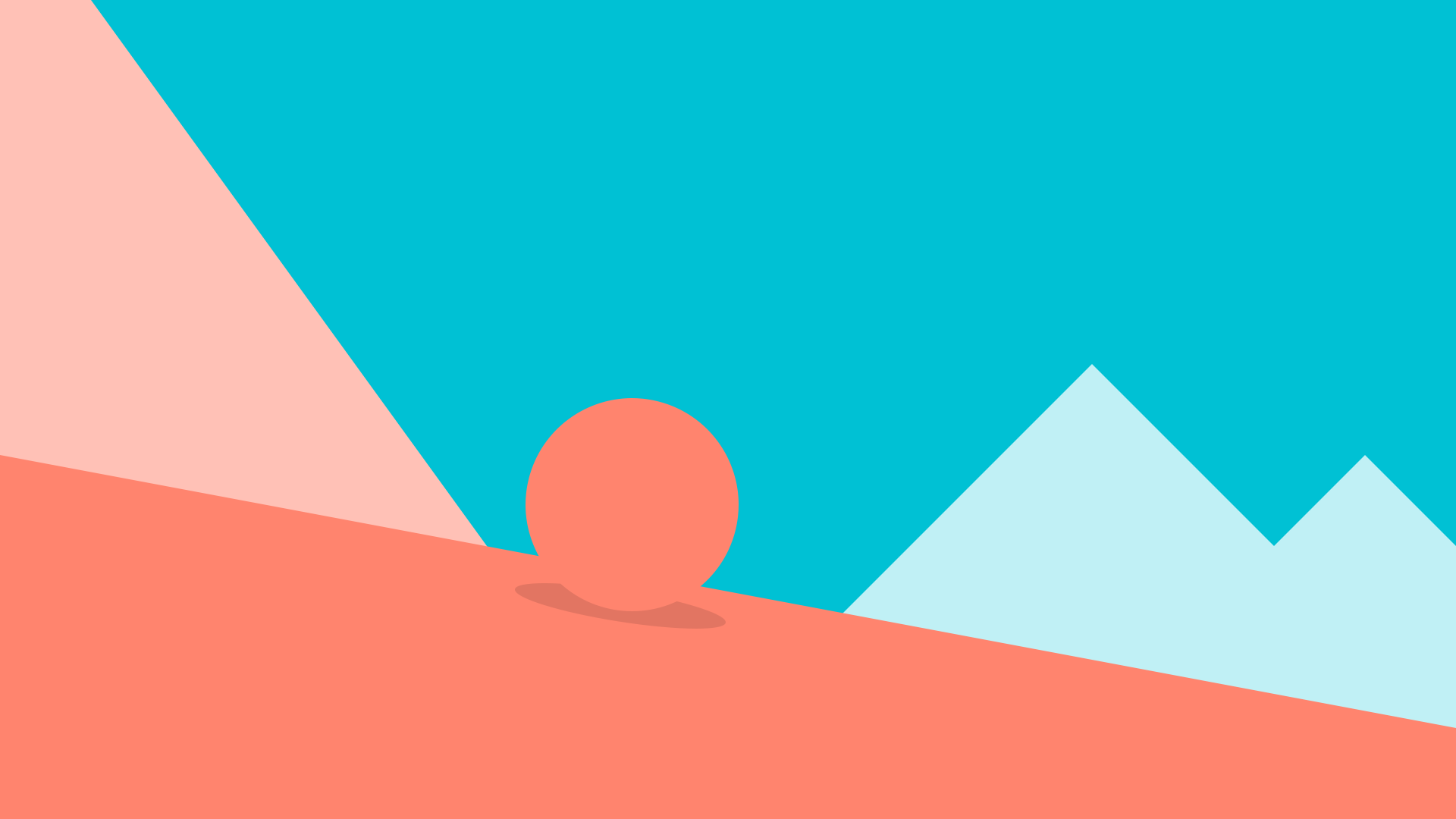
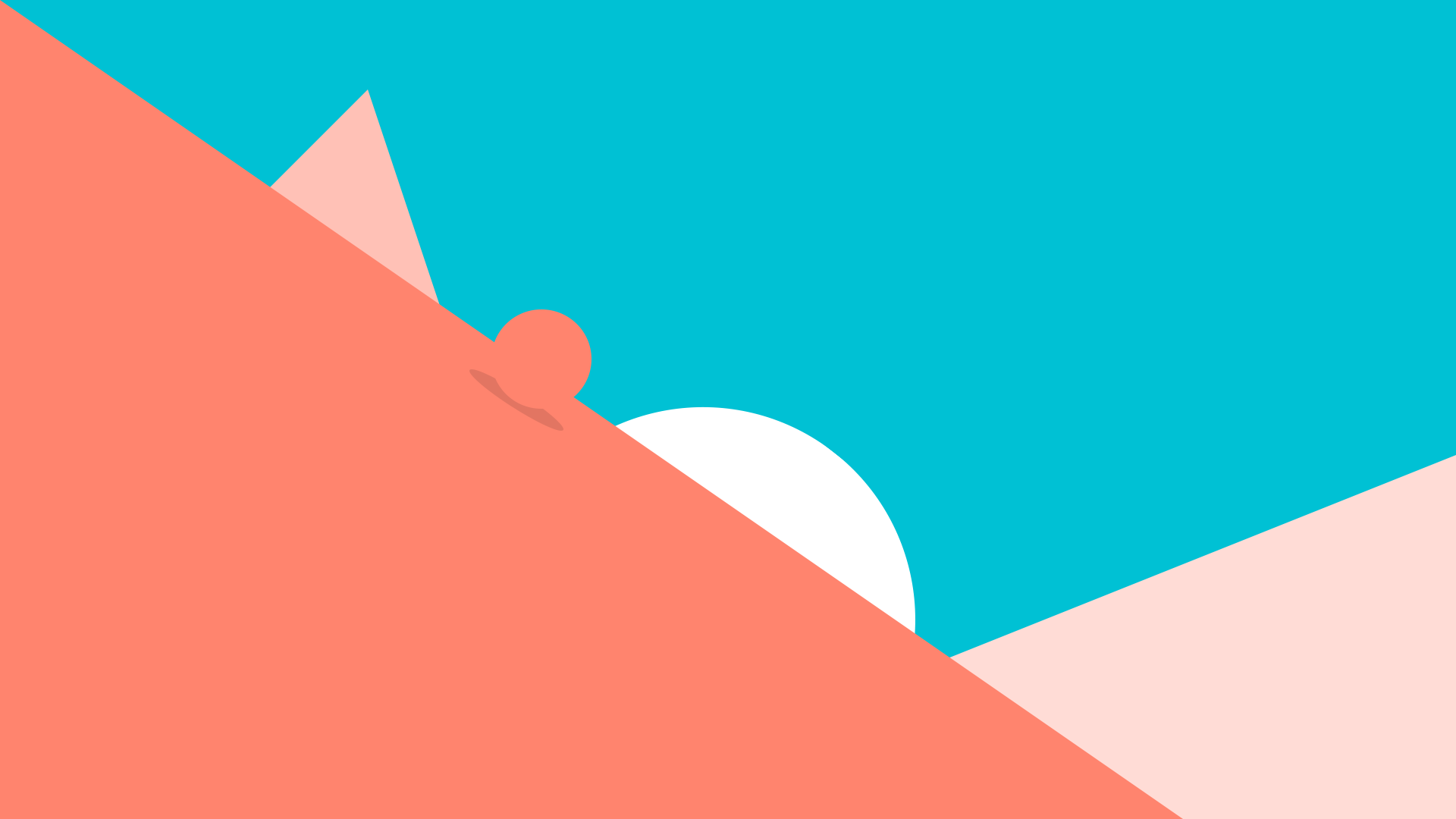
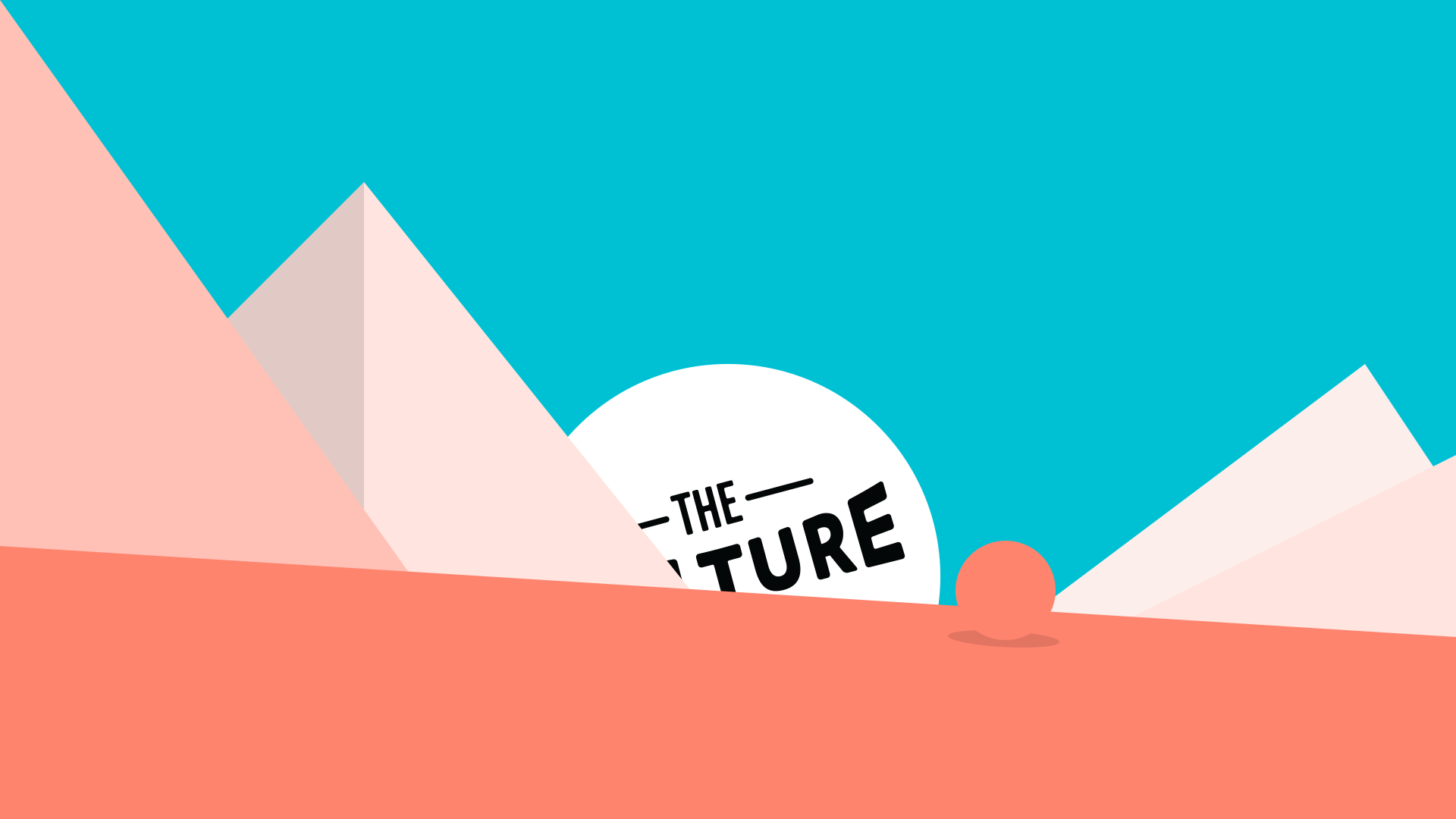
Typically I would draw out some rough sketches with pencil and paper before touching the computer, but I knew I would need as much time as possible to animate this spot. I opted to jump straight into Photoshop to start playing around with basic shapes and creating a simple version of the action. Approaching storyboarding this way allowed me to iterate faster and to save time by having the composition nearly locked in for the styleframes.
Styleframes
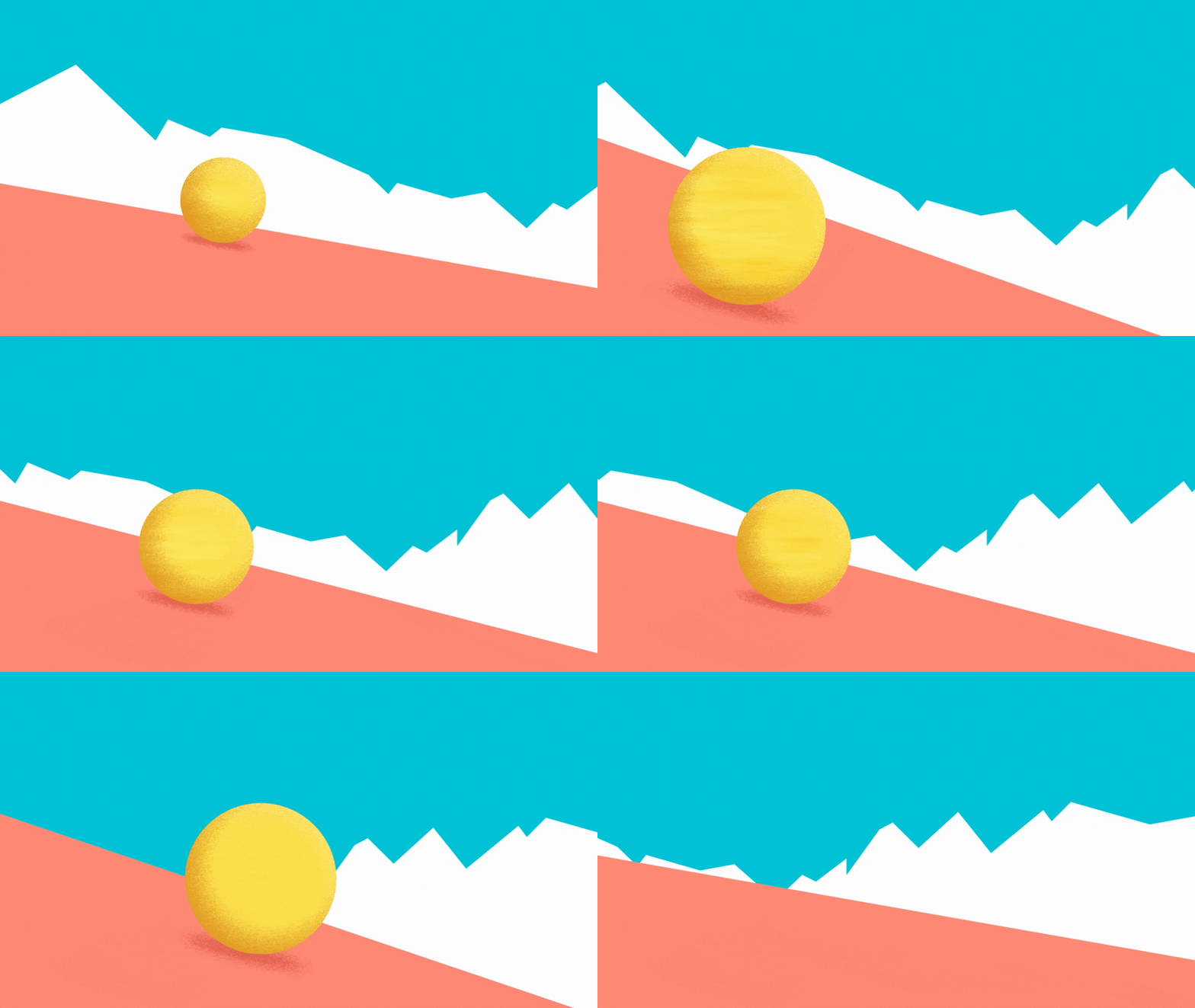
Equipped with the moodboard and storyboard, I next set out to lock in the art direction by creating styleframes for each key moment.
It was in this phase where I felt that the art was too flat and lacking life, so I started experimenting with Photoshop brushes to create a more painterly look.
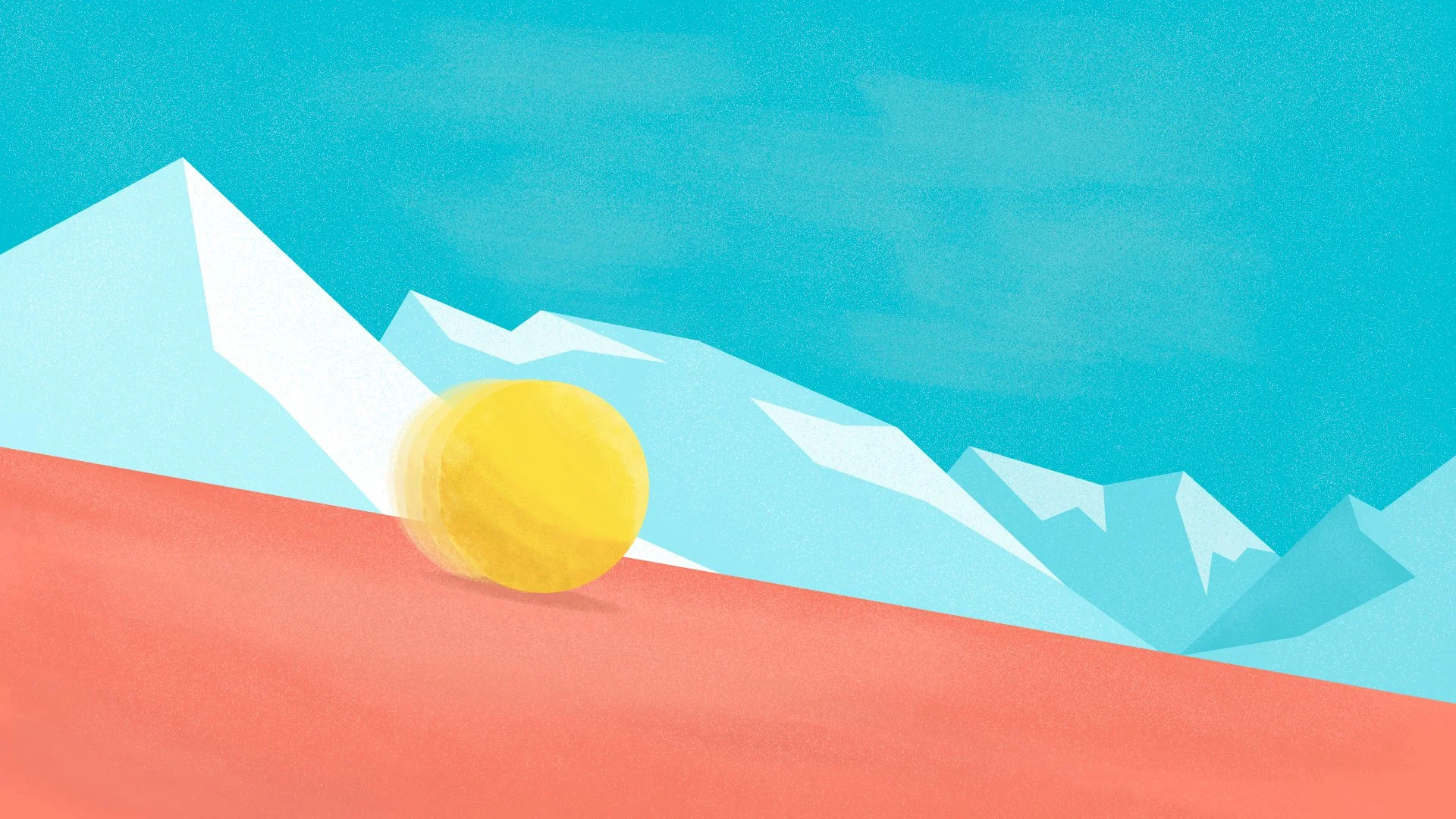
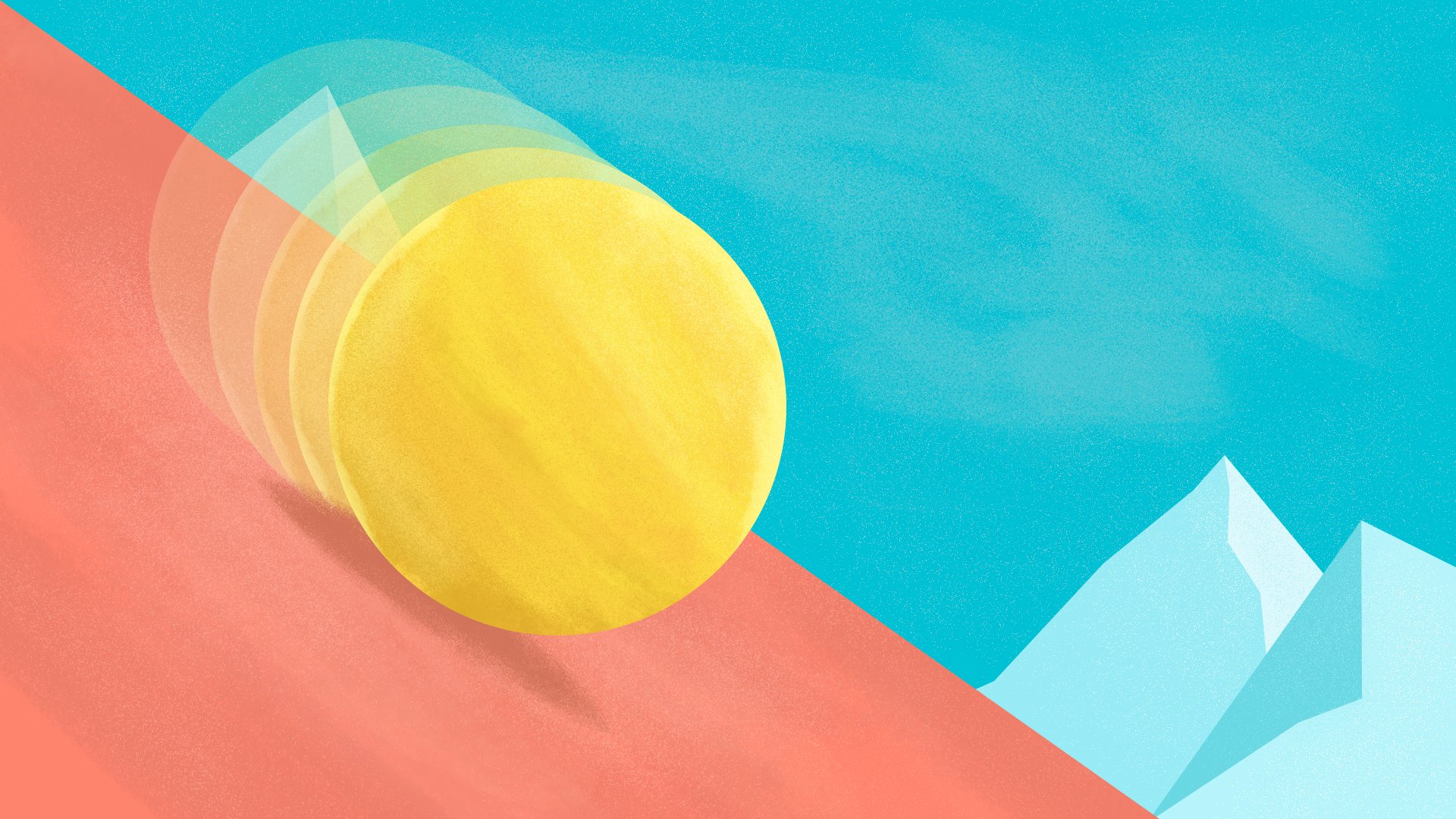
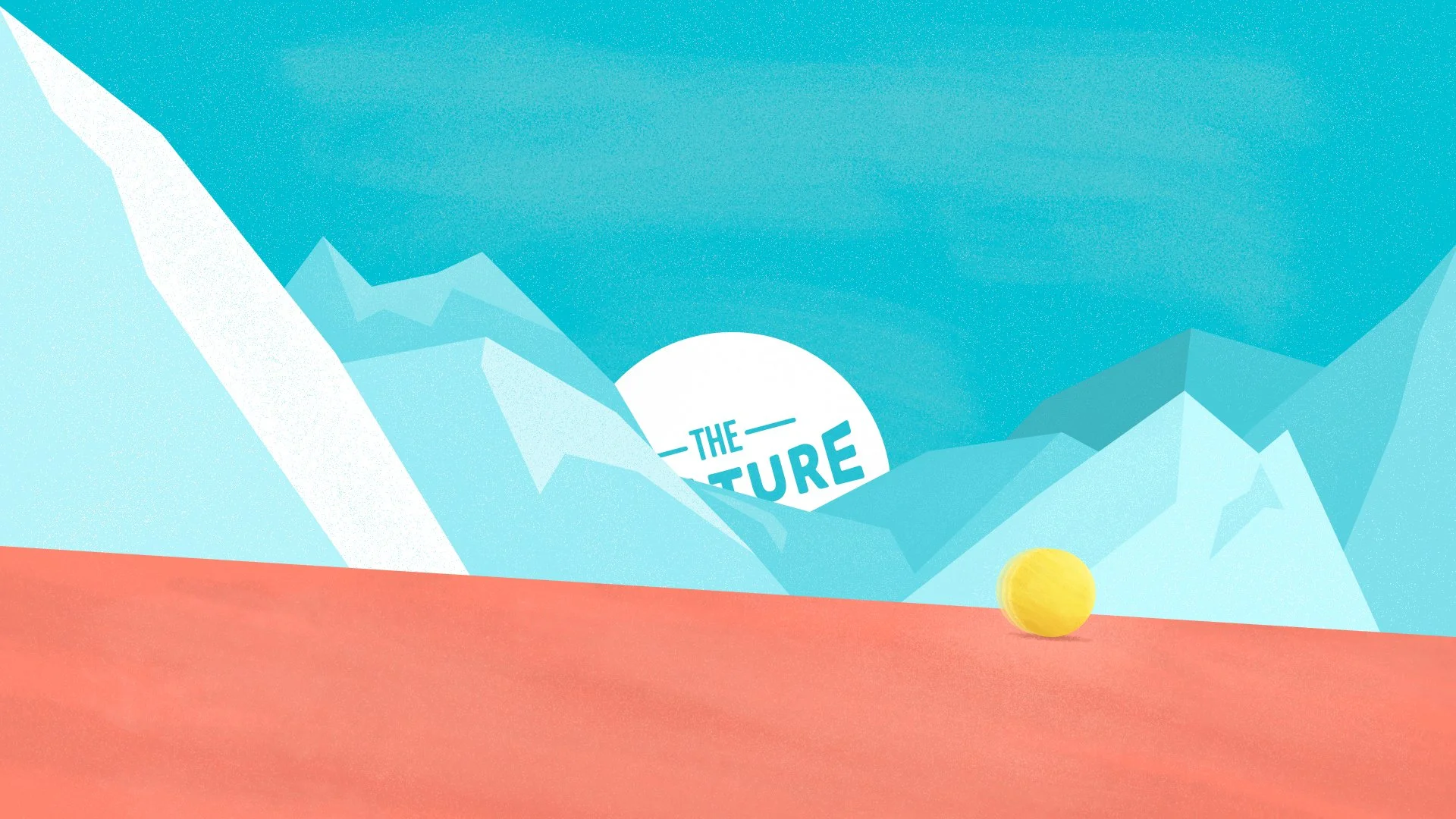

The full storyboard laid out with final art.
Animation
One decision I had to make early on was whether the ball and foreground mountain would be done in 2D or 3D. They both have their own benefits and challenges, but in the end I decided 2D was the best approach.
Early motion tests helped me determine the best approach to add textures and play with the parallax of foreground and background elements. Once I had those two things working, it was only a matter of putting it all together and finessing keyframes to get the perfect movement.